
Our Contacts
For consultation and orders:
WhatsApp:


Working hours:
Mon-Fri
9:00 - 18:00
First check the error code and follow the simple steps below.
This means the battery is low or close to deep discharge.
If grid power is available:
1. Turn off part of the load.
2. Make sure the device is connected to the grid.
3. Wait for charging to start — the CHARGE indicator should blink or stay on.
4. Let the device charge for at least 30–60 minutes.
After deep discharge recovery, the device may continue beeping. This is normal until the battery reaches minimum charge.
If grid power is not available:
1. Turn off unnecessary devices.
2. Leave only the most important load.
3. Wait for grid power to be restored to charge the battery.
Too many high-power devices are connected.
What to do:
1. Turn off part of the load.
2. Leave only essential devices.
3. Restart the device.
4. Reconnect devices one by one.
There may be an issue with the connected load or wiring.
What to do:
1. Disconnect all devices from the NE-5200 output.
2. Restart the NE-5200.
3. Connect devices one by one.
4. If the error repeats, contact service.
The voltage from the solar panels may exceed the allowed limit.
What to do:
1. Disconnect the solar panels.
2. Do not reconnect the PV input without inspection.
3. Contact the installer or NOVA energy service.
The device is overheating or ventilation is insufficient.
What to do:
1. Clear space around the device.
2. Do not block ventilation openings.
3. Turn off part of the load.
4. Let the device cool down.
The fan may be blocked or faulty.
What to do:
1. Check ventilation openings.
2. Make sure no foreign objects are inside.
3. If the error persists, contact service.
The inverter cannot detect the battery or there is no communication with the BMS.
Code 05 — battery not connected.
Code 49 — BMS communication error.
What to do:
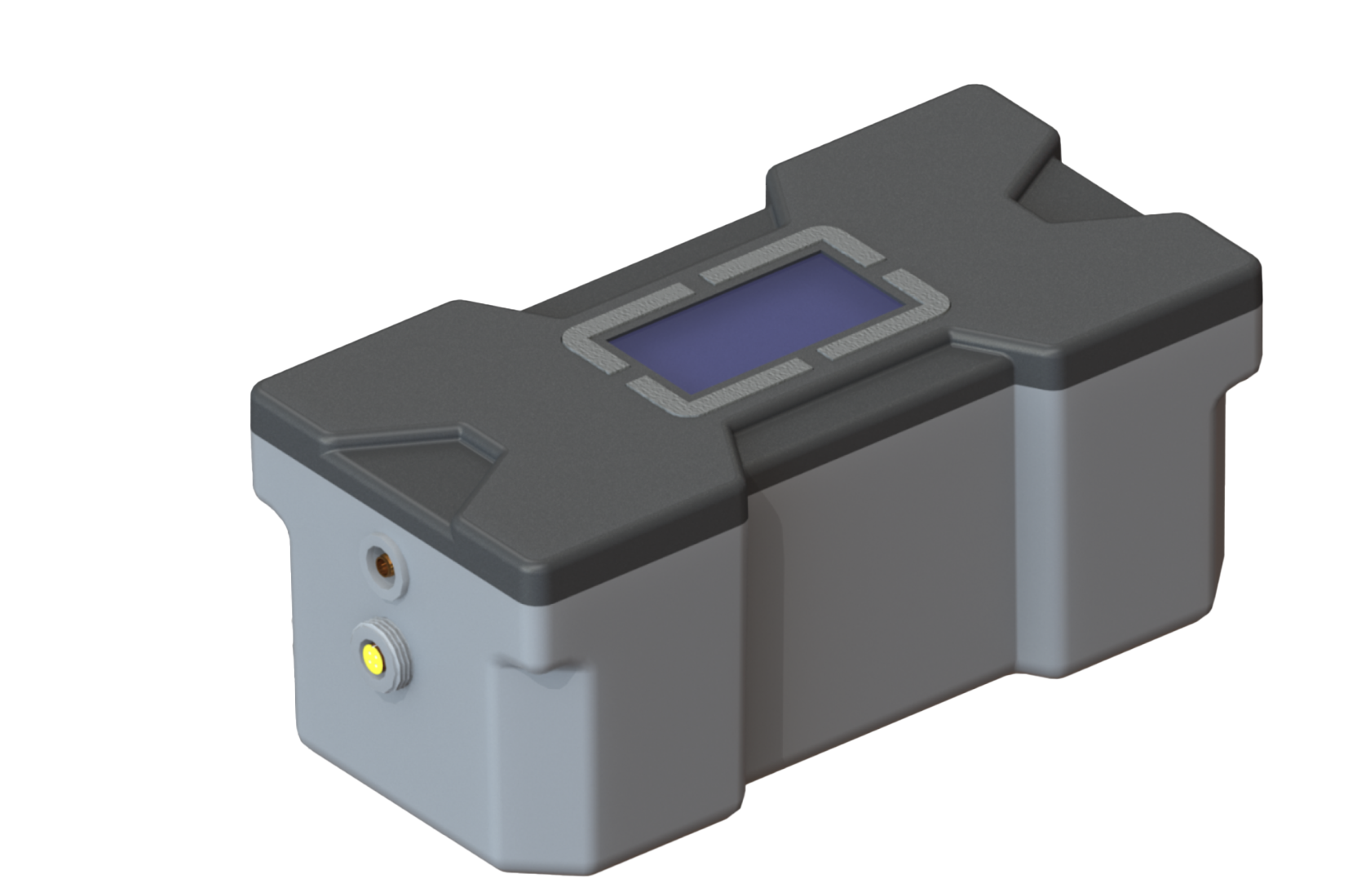
1. Check that the battery module is turned on.
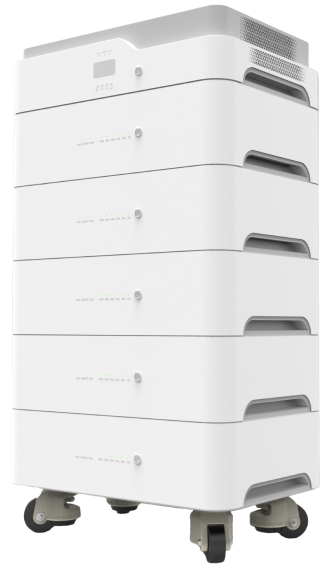
2. Make sure the inverter is properly and evenly installed on the battery module. There should be no visible gaps or tilting between modules.
3. Restart the NE-5200.
4. If the error persists, take a photo of the display and contact service.
1. Turn off the load — disconnect all connected devices.
2. Disconnect grid power — turn off the AC breaker connected to the NE-5200.
3. Turn off the inverter — using the button on the upper module.
4. Turn off the battery — using the button on the lower battery module.
5. Wait 1 minute.
6. Turn on the battery — wait for indicators to activate.
7. Turn on the inverter — wait for the display to start.
8. Reconnect grid power — turn on the AC breaker.
9. Check that the device is operating normally or has started charging.
If the error persists after restart, take a photo of the display and contact NOVA energy service.
• Do not disassemble the device.
• Do not disconnect the battery while the inverter and grid are active.
• Do not block ventilation openings.
• Do not exceed the allowed load power.
• Do not change settings without consulting NOVA energy specialists.
• Do not connect or disconnect parallel devices while operating.
• the error does not clear after restart;
• the device keeps beeping;
• there is a strange smell, strong heating, or unusual noise;
• the device does not charge;
• there is no display indication;
• the error repeats multiple times.
Our Contacts
For consultation and orders:
WhatsApp:
Working hours:
Mon-Fri
9:00 - 18:00
 Открыть в 2ГИС